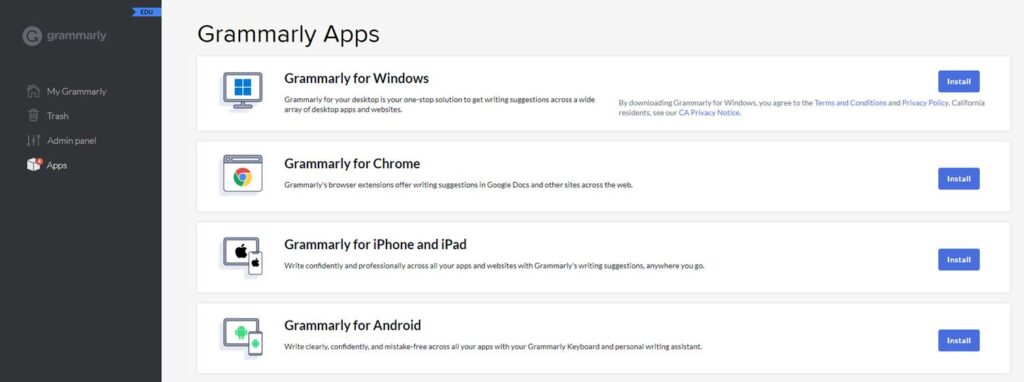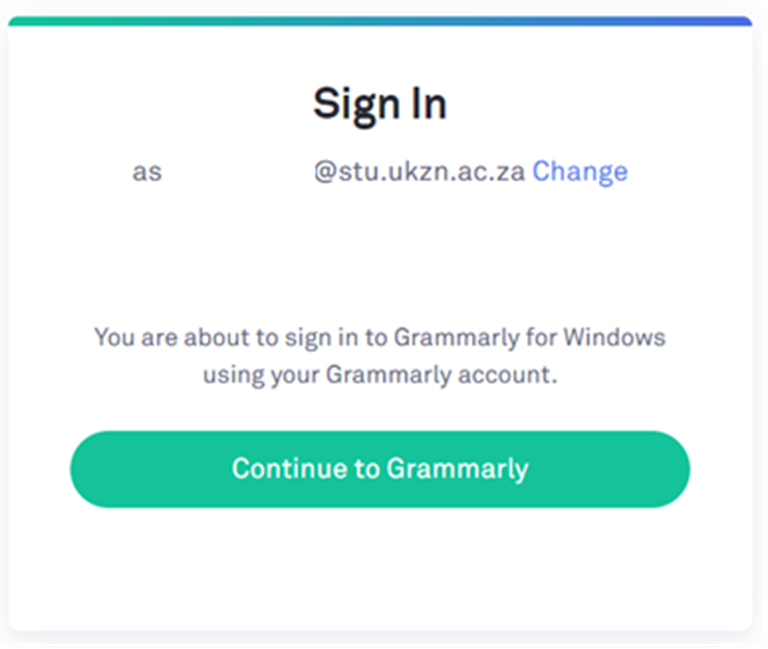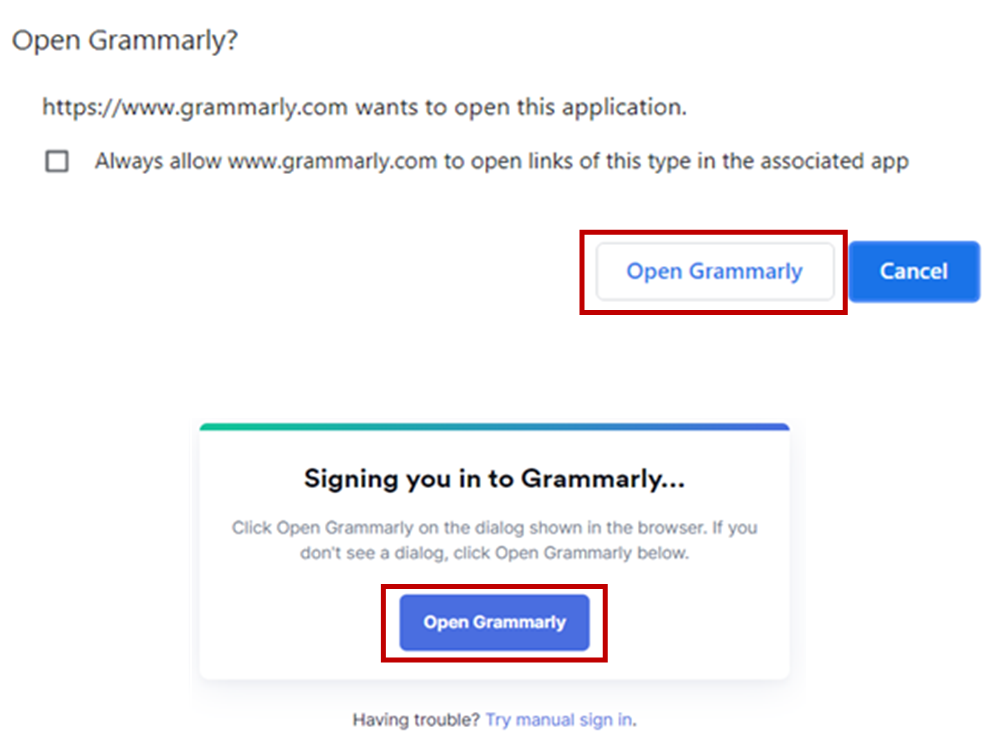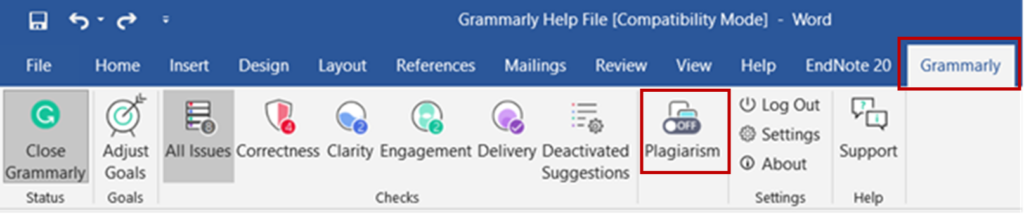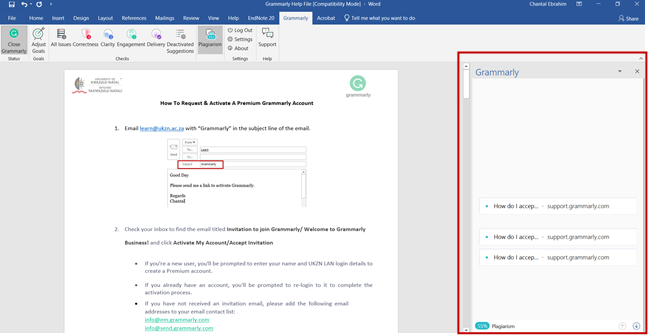

Step 1:
- Email learn@ukzn.ac.za with “Grammarly” in the subject line of the email. All requests must be sent from a valid UKZN email address.
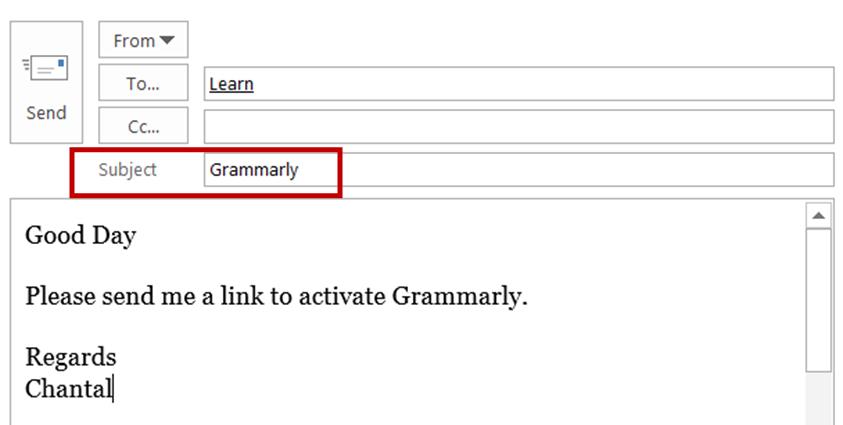
Step 2:
An ICS consultant will reply with the information shown below:
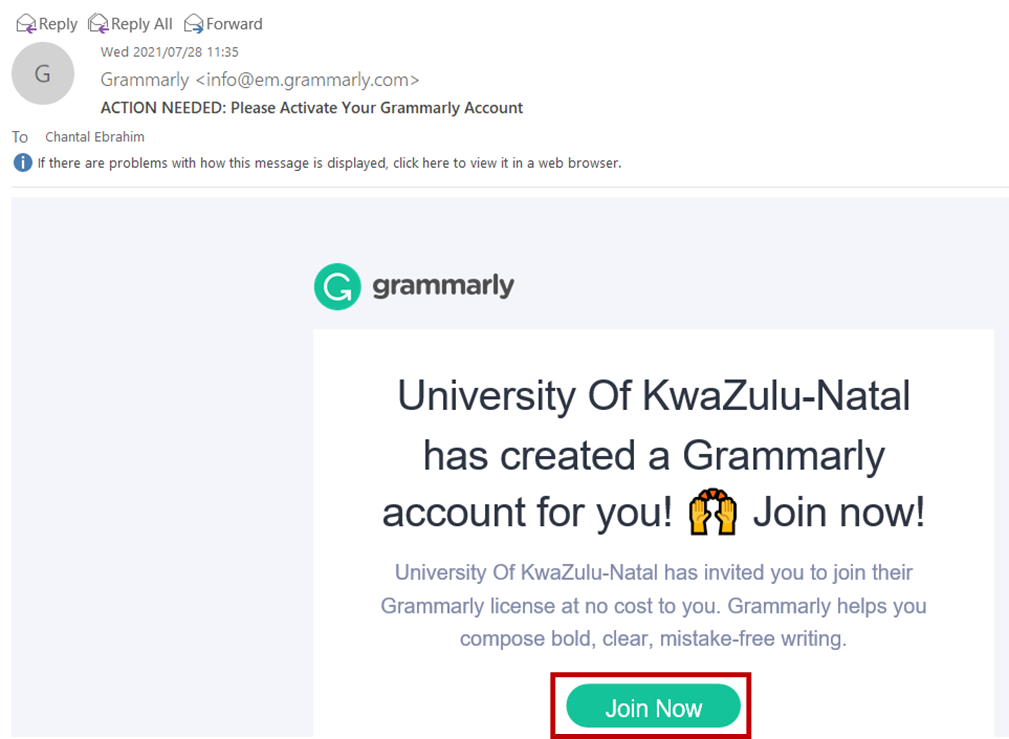
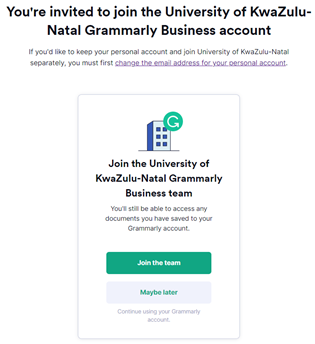
Check your inbox to find the email titled Invitation to join Grammarly/ Welcome to Grammarly Business! and click Activate My Account/Accept Invitation
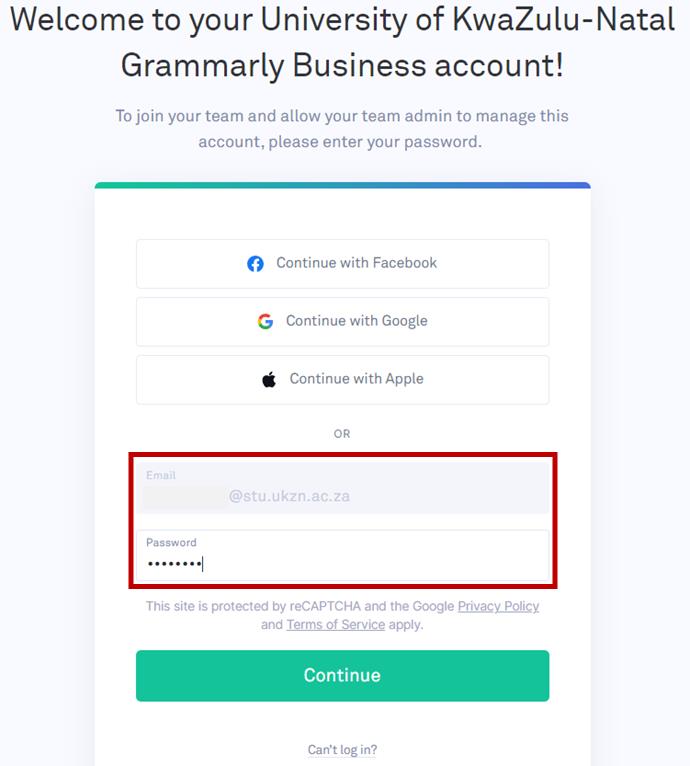
- If you’re a new user, you’ll be prompted to enter your name and UKZN LAN login details to create a Premium account.
- If you already have an account, you’ll be prompted to re-login to it to complete the activation process.
- If you have not received an invitation email, please add the following email addresses to your email contact.
list: info@em.grammarly.com
info@send.grammarly.com
donotreply@grammarly.com
Step 3:
- The ICS consultant will then send a request to Grammarly on your behalf, you will receive the email below from Grammarly . Once you receive the email from Grammarly, Click Join Now.
- Links are only valid for 48 hours.