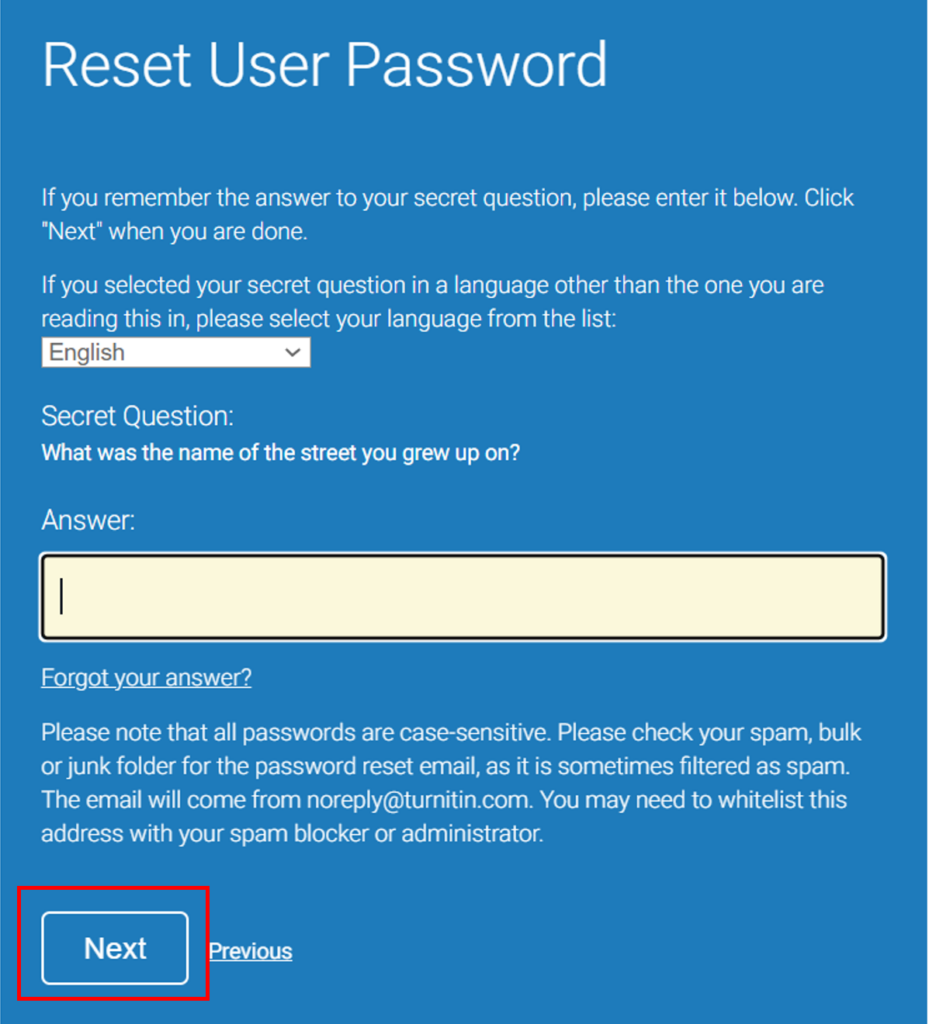
Note: Please avoid using your favorite songs or books on the secret question because your favorite song might change over time.
There is no need to create a Turnitin account for every Module, you can just join classes. However, you must have CLASS ID and ENROLLMENT PASSWORD for every module. Your lecturer or supervisor should supply this information.
If you already have a Turnitin account, log into your Turnitin account and click on the Enroll in a Class tab to join a new class.
The Single File Upload screen will now appear.
3. Enter your Submission Title, then use the Choose from this computer from this computer button to navigate and select the document you wish to upload.
4. Click on Upload. Then click confirm.
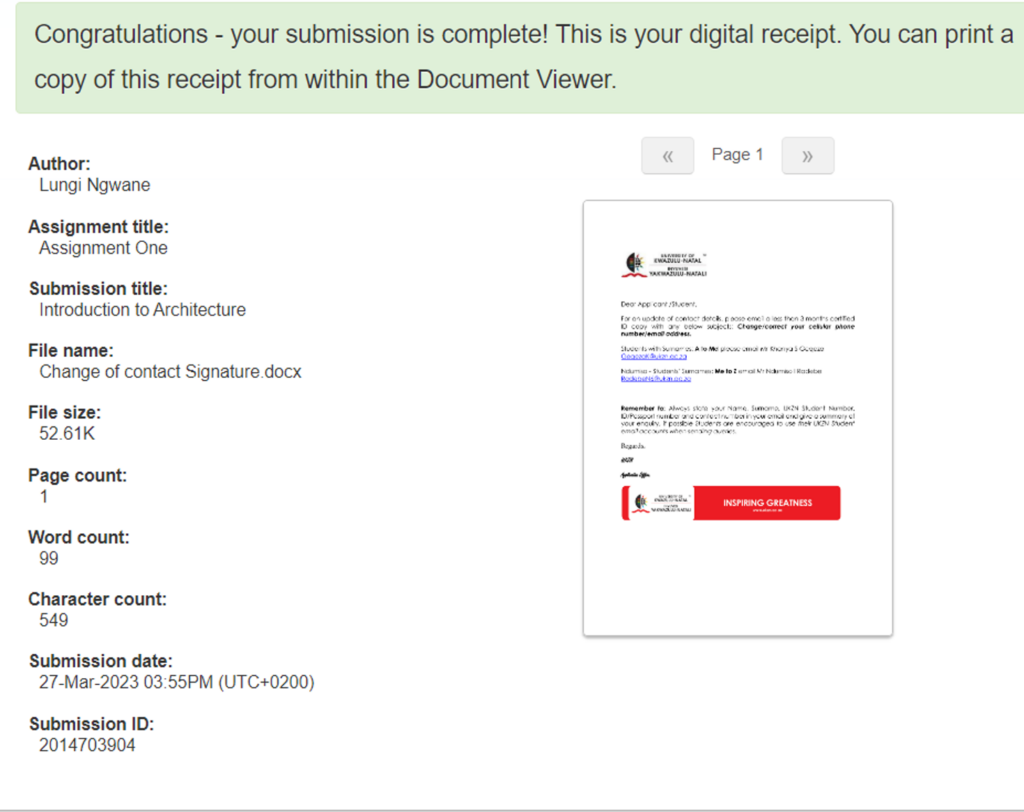
You have successfully uploaded your document.
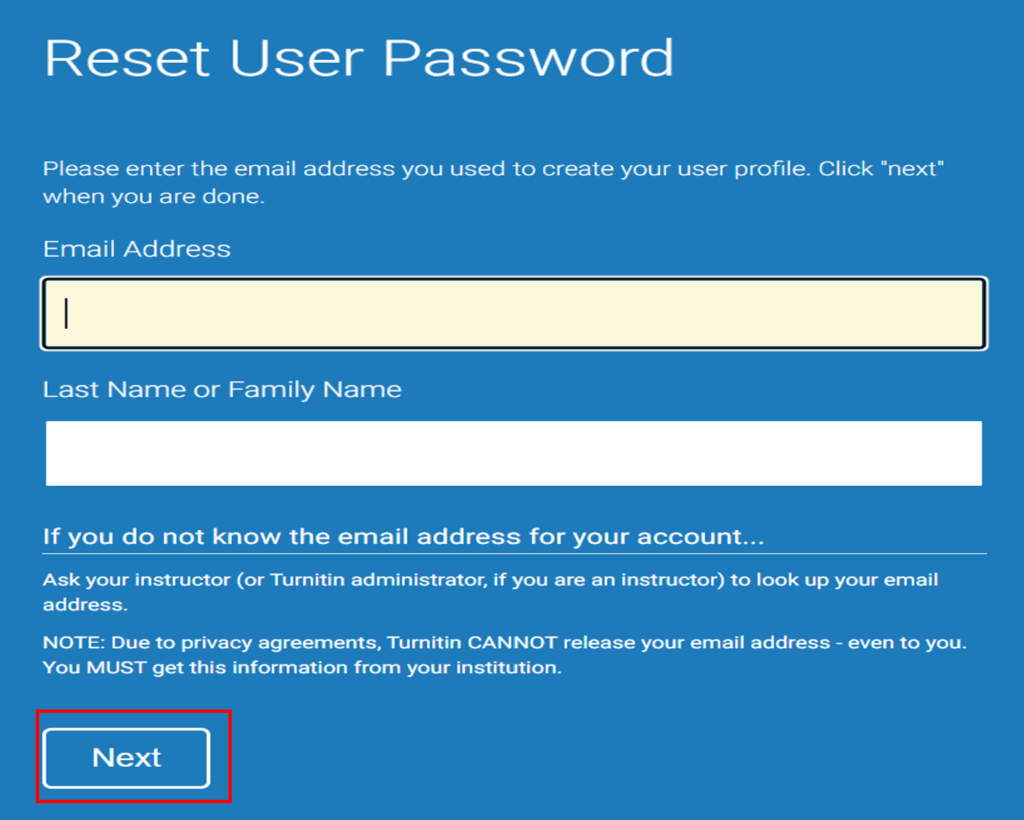
No need to stress or recreate a new account when you forget your password. You can reset it, as shown in the picture below.
1. Click on the link circled below in red.